Find the right words
Say who the text is for and what it should do. You can refine its tone, length and details.
“Help me politely move a meeting to tomorrow”
 VoiceMindin Telegram
Open the bot
VoiceMindin Telegram
Open the bot
@VoiceMindTech_bot
Type, speak or attach a file — start with what works for you. Ask for a draft, an explanation of a document or a search for fresh information.
Try it with 0.5 ₣, no card needed.
₣ are VoiceMind credits that pay for requests. How billing works
Where to start
Say who the text is for and what it should do. You can refine its tone, length and details.
“Help me politely move a meeting to tomorrow”
Attach a document and ask a question about its contents.
“List the main points and what needs clarification”
Record a question when typing is inconvenient. The bot transcribes your speech and replies.
“Turn this into a short to-do list”
From the VoiceMind interface
In the record above, the bot transcribes a short greeting, answers with YandexGPT and returns audio after the “Read aloud” action. Here are two more real examples.
Screenshots on this page are real records; buttons and models change over time. Longer recordings and selected models are subject to plan limits.
These are separate examples shown in Russian.
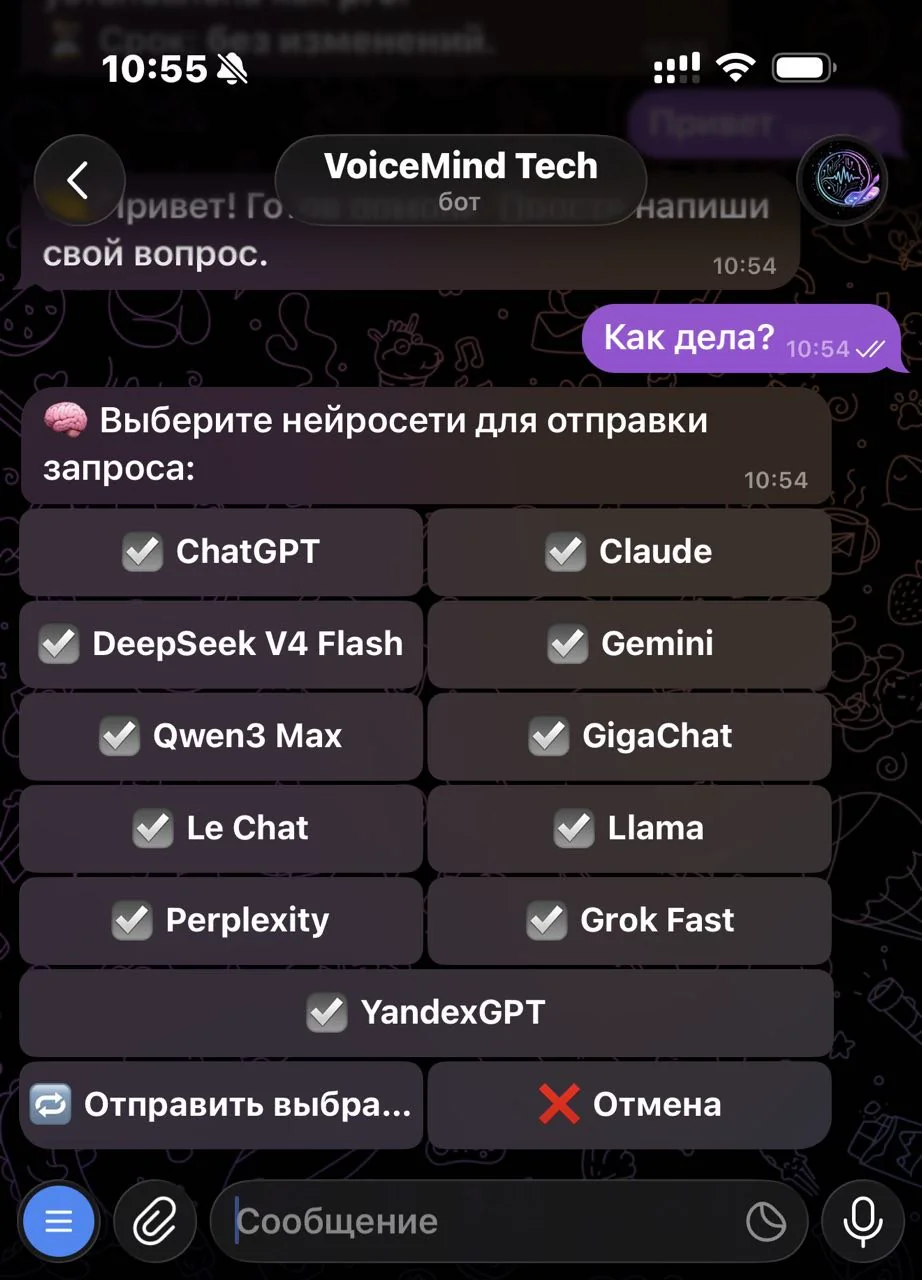 View larger
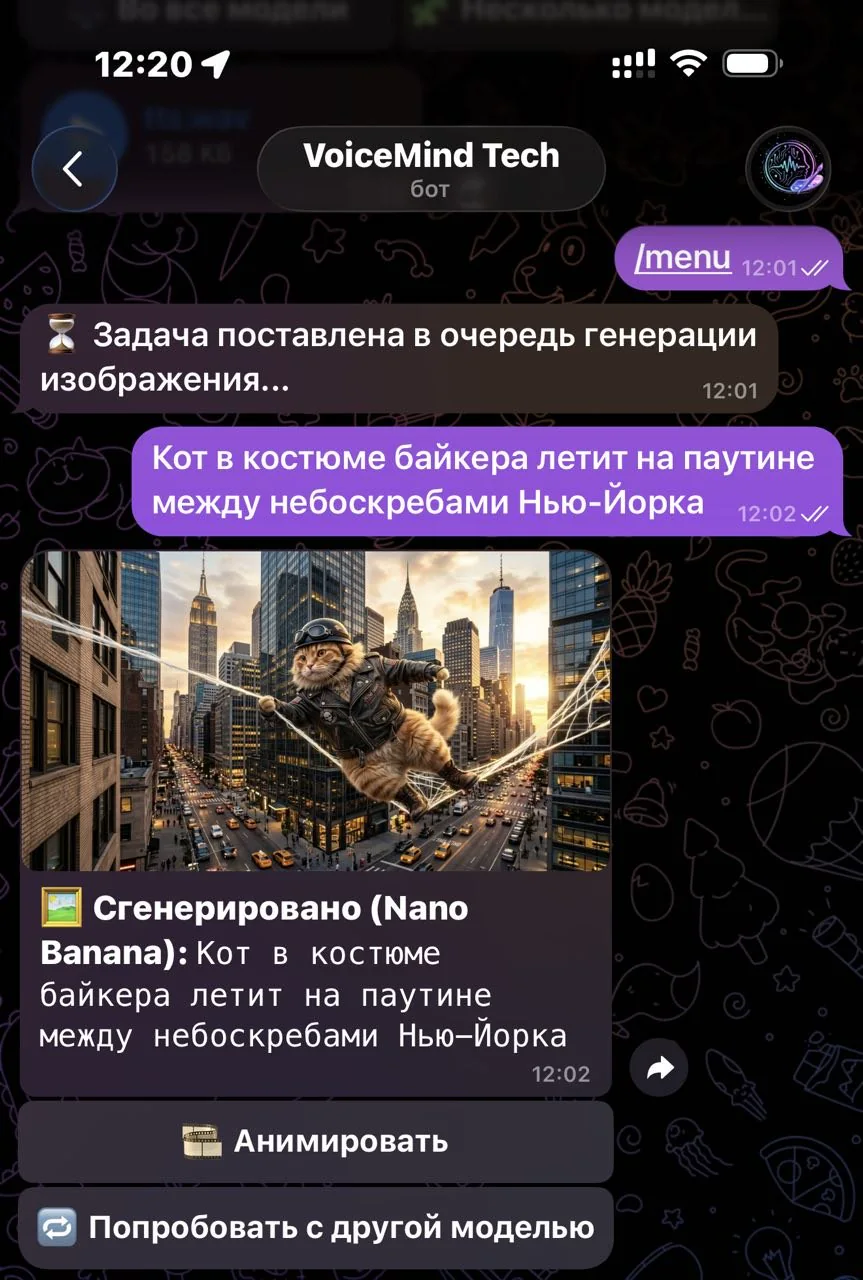 View larger
Start with one question, then choose the tools your task needs.
Models, tools and limits depend on your plan. Multi-model comparison starts with Creator; model teams start with Starter. Generations use credits.
Your first request
Help me make a to-do list for tomorrow. First, ask what I want to get done.
Telegram is all you need for your first conversation. You do not need to open another site before starting.
Before you start
A text question, a document or an image. Ask for a summary or an explanation. If you need current information, ask for a search with links and check important conclusions against the sources.
The bot offers model selection; comparing several answers is available from Creator. The number of models and access depend on your plan, and generations use credits. Multiple answers can show different approaches, but do not guarantee correctness.
For complex tasks in assistant mode, you can ask for a team: two models on Starter, up to three on Creator and Pro. Models draft and review the answer in stages; these calls use credits. A team does not guarantee a correct answer.
Yes, if Telegram and your other sign-in methods are linked to the same VoiceMind account. Check linked accounts in your dashboard. A shared balance does not mean every file and all history are automatically available in every channel.
You can try basic tasks with the welcome bonus. A subscription is needed for expanded access to models, features and limits. It does not make generations unlimited; usage beyond the included credits requires a top-up.
Your VoiceMind dashboard shows your balance and credit usage history. Open the dashboard. Current prices and terms: pricing and terms of service.
Web tools are available for longer projects.